SIM Swap Attacks in 2026: How to Protect Your 2FA Accounts
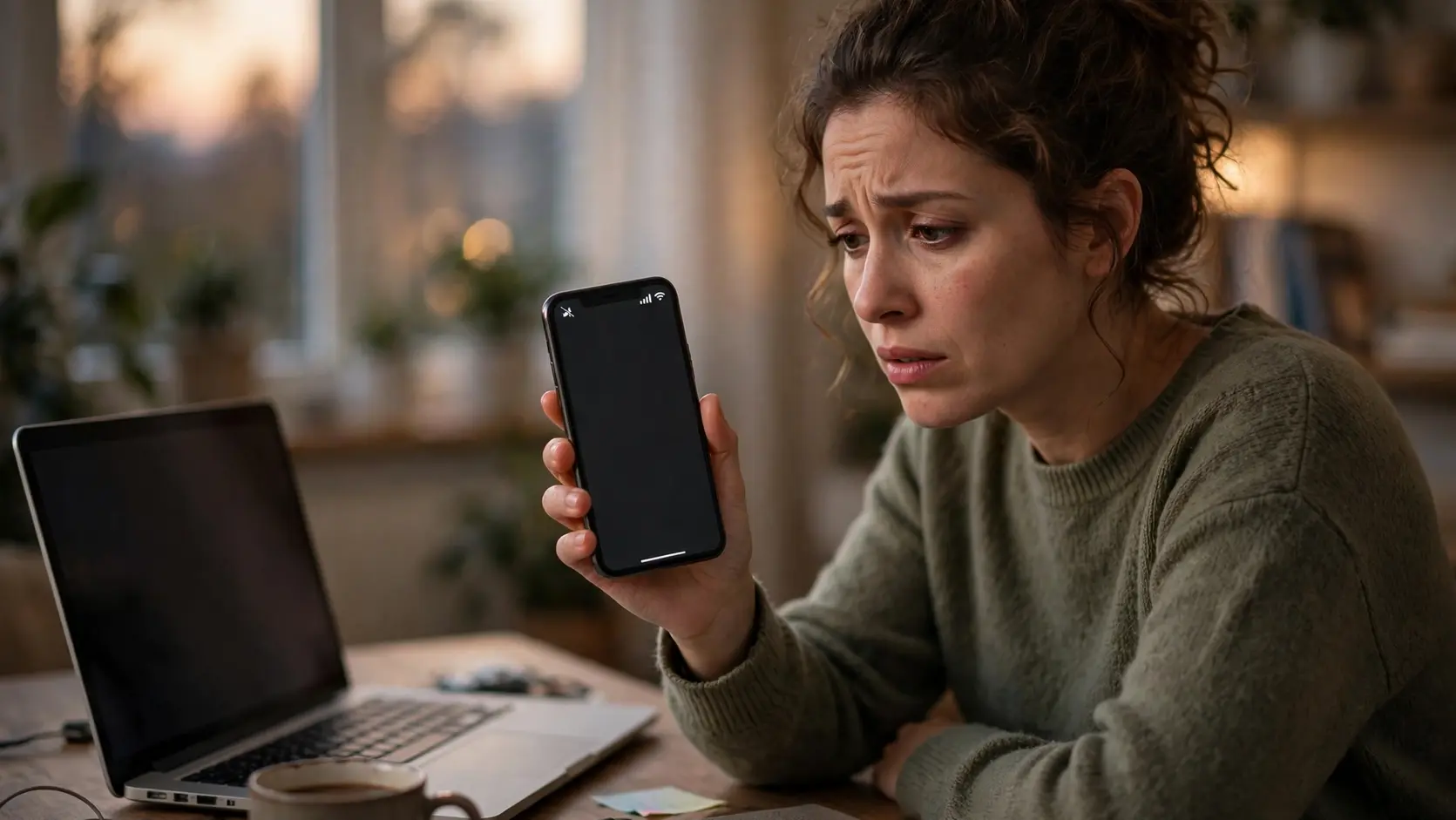
Imagine waking up to find your phone has no signal. By the time you reach your carrier, a stranger has moved your number to a new SIM card, reset your email password, and drained your bank account. That is a SIM swap attack, and in 2026 it is still one of the simplest ways to beat SMS-based two-factor authentication.
It is preventable — but “turn on 2FA” is not enough on its own if your second factor arrives by text. This guide explains how the scam works, what the latest cases show, and the steps that protect you.
What Is a SIM Swap Attack?
A SIM swap attack happens when a criminal convinces your mobile carrier to move your phone number to a SIM card they control. Once they have your number, password reset codes, login codes, and SMS 2FA codes all go to their phone instead of yours.
The attacker does not need your phone or a hack of the carrier’s network. Usually they call the carrier pretending to be you, answer a few security questions with details found online, and ask for a replacement SIM — sometimes with help from an insider at a phone shop. Your phone goes dead, and theirs comes alive with your number.
How the Attack Works
First, the attacker picks a target — often someone who posts about crypto, but ordinary people are targeted too, usually because their email appeared in a data breach. Second, they gather personal details: a name, date of birth, and address are often enough to pass a carrier’s identity check. Third, they contact the carrier, claiming the phone was lost. If the first attempt fails, they try again with another agent. Fourth, they take over accounts: password reset codes arrive by SMS to them, and they change your email password first, because email is the recovery point for almost every other account. The whole takeover can take under an hour.
Why SMS 2FA Does Not Stop It
SMS-based 2FA was designed to prove you have your phone. A SIM swap breaks that assumption completely. The code still goes to “your number” — but your number now lives on the attacker’s SIM.
The numbers show the problem is not going away. The FBI’s Internet Crime Complaint Center received 971 SIM swap complaints in 2025, with losses of about $17.4 million. In the UK, the fraud prevention service Cifas reported that unauthorised SIM swaps rose by 402% in the first half of 2026.
The lesson is simple: a code sent by text is only as safe as your phone number. An authenticator app like the free tool at https://2facc.com/ generates time-based codes on your own device, so a SIM swap cannot intercept them. For a full comparison, see our guide TOTP vs SMS 2FA.
Fresh Cases From November 2026
Two cases from this month show how serious SIM swapping has become.
On 17 November 2026, Tyler Robert Buchanan, a 24-year-old from Dundee, Scotland, was sentenced to six years in a US federal prison. Buchanan was a member of the Scattered Spider hacking group. According to the US Department of Justice, he and his co-conspirators used text-message phishing to steal login details, then used SIM swaps to intercept SMS two-factor codes and steal more than $11 million in cryptocurrency. He was the fifth and final defendant in the case to be sentenced.
Days earlier, on 13 November 2026, US prosecutors charged 14 people in an alleged bank takeover ring built on SIM swaps and corrupt insiders. Prosecutors say the group targeted nearly 3,000 victims between July 2023 and November 2024, at banks including Truist, Bank of America, and JPMorgan Chase. The victims’ accounts collectively held more than $373 million — the total balance within reach, not the confirmed amount stolen, which prosecutors have not disclosed.
Warning Signs and What to Do
The clearest sign is sudden loss of mobile service. If your phone shows “No Service” where you normally have coverage, treat it as urgent — especially if you also cannot log in to your email. Other signs include password reset emails you did not request.
If it happens, do not wait. Contact your carrier at once from another phone and say you suspect a SIM swap. Ask them to restore your number and block further changes without in-person ID. Then secure your accounts in this order: email first, then bank, then everything else. Change passwords from a device you trust, switch on app-based 2FA wherever it was SMS-based, and check for sessions you do not recognise. Report it to your carrier, your bank, and the police, and keep every reference number. Our guide lost phone 2FA recovery covers the same steps for a lost phone.
How to Protect Yourself
Start with your second factor. Move every important account — email, bank, crypto exchange, social media — from SMS codes to an authenticator app. App-based codes are generated offline on your device and cannot be intercepted by a SIM swap. Keep backup codes somewhere safe.
Next, lock down your mobile account. Call your carrier and ask for a transfer PIN, a separate account passcode that must be given before any SIM change, and a note that SIM changes require in-store ID. Ask for each one by name and write down what they confirm.
Finally, separate your money from your phone number: use an authenticator app or a hardware key instead of SMS where you can, and never reuse a password. Do not post your date of birth or phone number on social media, and use a separate email for account recovery.

Frequently Asked Questions
Can a SIM swap happen if I have 2FA turned on?
Yes — if your 2FA codes arrive by SMS. App-based codes and hardware keys are not affected, because they do not depend on your phone number.
Will my carrier warn me before a SIM swap?
Some carriers send a warning, but it goes to the number being swapped — so you may never see it. Set a transfer PIN and an account passcode instead.
Is my money safe if I only use my phone for banking?
Not necessarily — your bank app, email, and password resets are all tied to the same number. Move your bank and email to app-based 2FA, and keep your recovery email separate.
Protect Your Accounts Today
A SIM swap attack needs only your phone number and a convincing phone call. The fix takes less than an hour: switch to app-based codes and lock your carrier account with a PIN. Try the free authenticator at https://2facc.com/ — it generates your codes offline, so a swapped SIM cannot touch them.