mSecure Breach: What Happened and What to Do Now
On 3 November 2026, mSecure users received an email they did not expect. mSeven Software, the company behind the mSecure password manager, said it had found suspicious activity and told users to change their passwords, reset their two-factor authentication (2FA), and remove their passkeys.
The email did not explain what had happened. Since then, replies from mSecure support, shared by customers on the company’s support forum, have filled in part of the story. This guide explains what is confirmed, what is still unknown, and what to do now.
What Happened
On 3 November 2026, mSeven emailed current and former mSecure customers about suspicious activity linked to the app. The email said the company had started an investigation and brought in outside security experts. It urged users to protect the information stored in the app, but it did not say what had been taken.
In follow-up replies, mSecure support gave a more specific account: an unauthorised party acquired an encrypted copy of a database containing information about current and former mSecure users, with no evidence the confidential information inside was accessed. McAfee reported the same account on 13 November 2026.
That detail comes from support replies customers posted on the forum, not from a public statement by mSeven, which has published none. Treat those replies as the best information available, not as a final account.
Who Is Affected
According to the support replies, the issue only affects users who synced with mSecure Cloud. If you used mSecure only on one device, or synced through Dropbox, iCloud, or Wi-Fi between your own devices, the replies put you outside the incident as described.
If you did sync with mSecure Cloud, act as if your stored information could be at risk, even though the copy was encrypted. The company has not said how many people are affected. A password manager is a special target: it holds logins, 2FA secrets, and passkeys. The point is not to panic. It is to move first.
What Is Confirmed and What Is Not
Confirmed: on 3 November 2026, mSeven warned current and former customers about suspicious activity and told them to change passwords, reset 2FA, and remove passkeys. Support replies say an unauthorised party acquired an encrypted copy of a database for mSecure Cloud sync users, with no evidence the confidential information inside was accessed. Vault data is encrypted on your device before it syncs, so a copied database should be unreadable on its own.
Still unknown: how many accounts are affected; whether the copy holds full vault contents or account data only; whether any encryption keys were taken; how the attacker got access; and whether any specific vault will ever be opened.
No one outside mSeven can say today whether a particular vault is safe forever. An encrypted copy is still a real problem if a master password is weak enough to be guessed offline. Act now, not later.
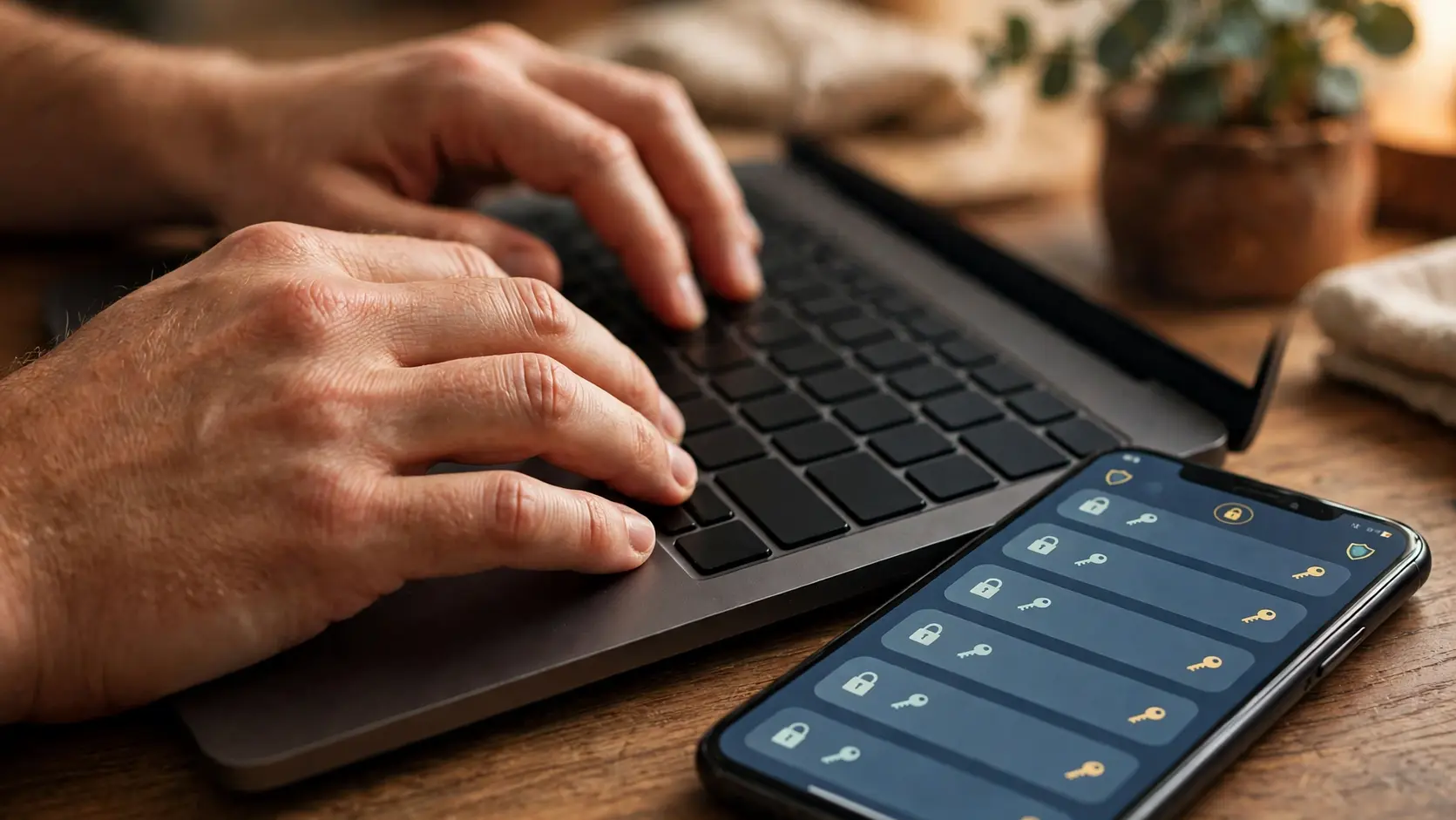
What to Do Now, in Order
Start with the accounts that would hurt most: your email first, then your bank and other financial accounts, then everything else stored in mSecure.
1. Change your most important passwords first
Change the passwords for the accounts stored in mSecure, starting with email and financial accounts. Use a new, unique password for each one, and do not reuse your old master password anywhere else. Your email is the key to password resets almost everywhere else, so secure it first.
2. Reset your 2FA
Remove the old 2FA setup for each important account and set it up again with a fresh secret key. Open the account’s security settings, turn off two-factor authentication, then turn it on again and scan the new QR code. Save the new backup codes somewhere safe. If you lose your phone, those codes are how you get back in — see our guide to lost phone 2FA recovery.
If a service shows you a secret key, paste it into 2Fakey — try it free on 2Fakey — https://2facc.com/ — and get your codes in the browser. An authenticator app is safer than SMS codes, which can be intercepted or redirected by a SIM swap — see TOTP vs SMS 2FA.
3. Remove old passkeys, then check your accounts
Remove the old passkeys stored in mSecure and create fresh ones for the accounts that support them. Then check your email, bank, and most-used accounts for trouble: reset emails you did not ask for, login alerts from places you do not know, or changes to your recovery email or phone number. If you find any, change that password at once and contact the service’s support team.
4. Do not delete mSecure to fix this
Deleting the app will not help. Support replies say deleting mSecure will have no impact, because the database copy is already outside the app. Keep the app until you have moved your passwords, 2FA secrets, and passkeys somewhere safe. Also, do not click links in emails about this incident and enter your master password. Go to the official site or app yourself instead. Attackers use real incidents to send fake warnings.
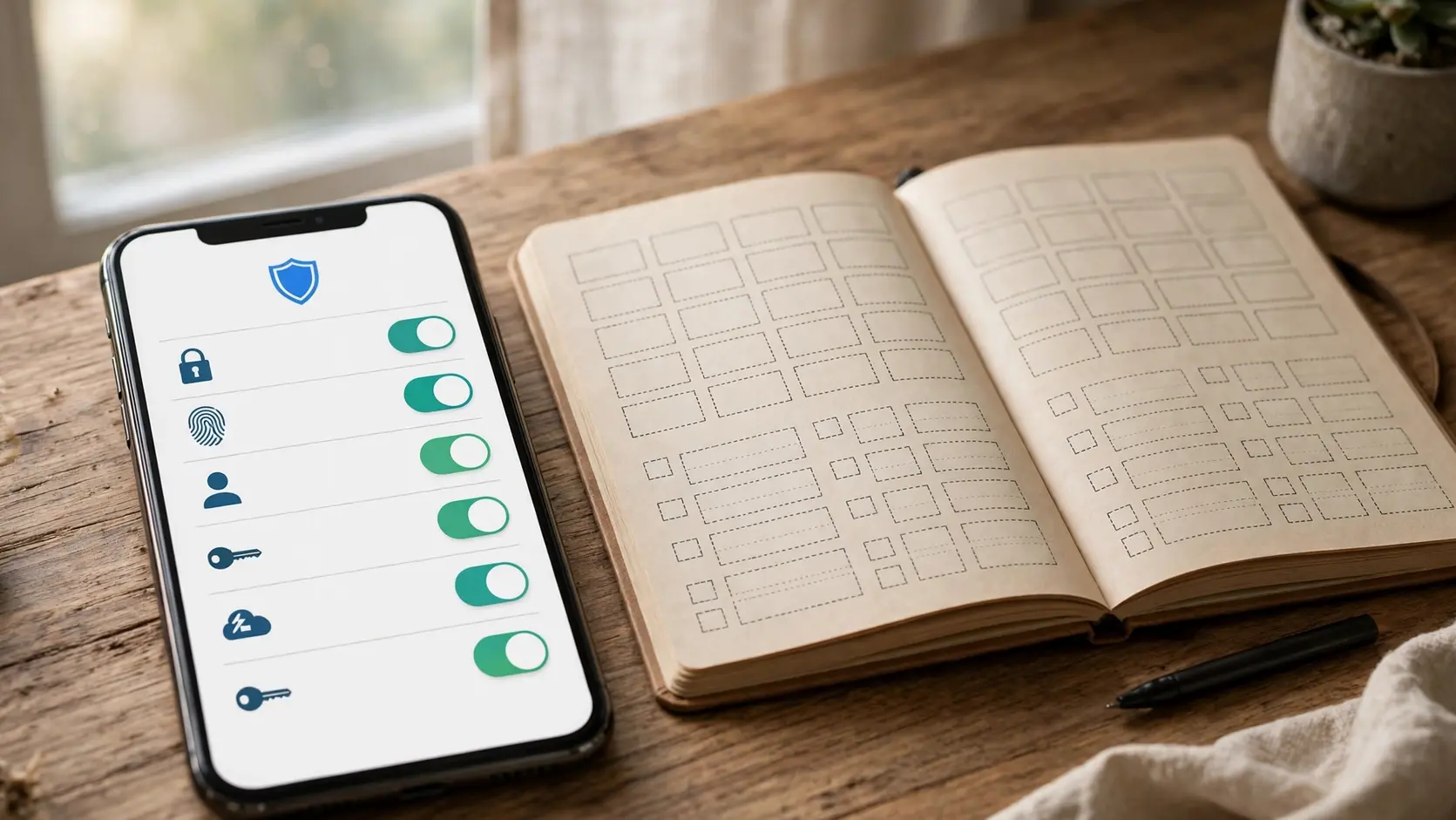
The Bottom Line
On 3 November 2026, mSecure warned users about suspicious activity and told them to change passwords, reset 2FA, and remove passkeys. Support replies later said an unauthorised party took an encrypted copy of a database for mSecure Cloud sync users, with no evidence the confidential information inside was accessed. How many users are affected, and how it was taken, are still not public.
If you synced with mSecure Cloud, act now: change your email and financial passwords first, reset 2FA with fresh secret keys, and remove old passkeys. Encrypted does not mean harmless.
Frequently Asked Questions
Am I affected if I never used mSecure Cloud?
According to mSecure support replies, no. The issue only pertains to users who synced with mSecure Cloud.
Was my vault decrypted?
mSeven says it has no evidence the confidential information in the encrypted database was accessed. That is not proof it never will be. Vault data is encrypted on your device before it syncs, so the copy should be unreadable — unless a weak master password can be guessed offline.
Do I really need to reset 2FA, not just change passwords?
Yes. If 2FA secrets were in the copied database, a changed password alone would not be enough. Set up each account again with a fresh secret key and save the new backup codes.
Secure your accounts today — reset your 2FA and generate your new codes free with 2Fakey at https://2facc.com/.