TOTP vs SMS 2FA: Which One Is Safer?
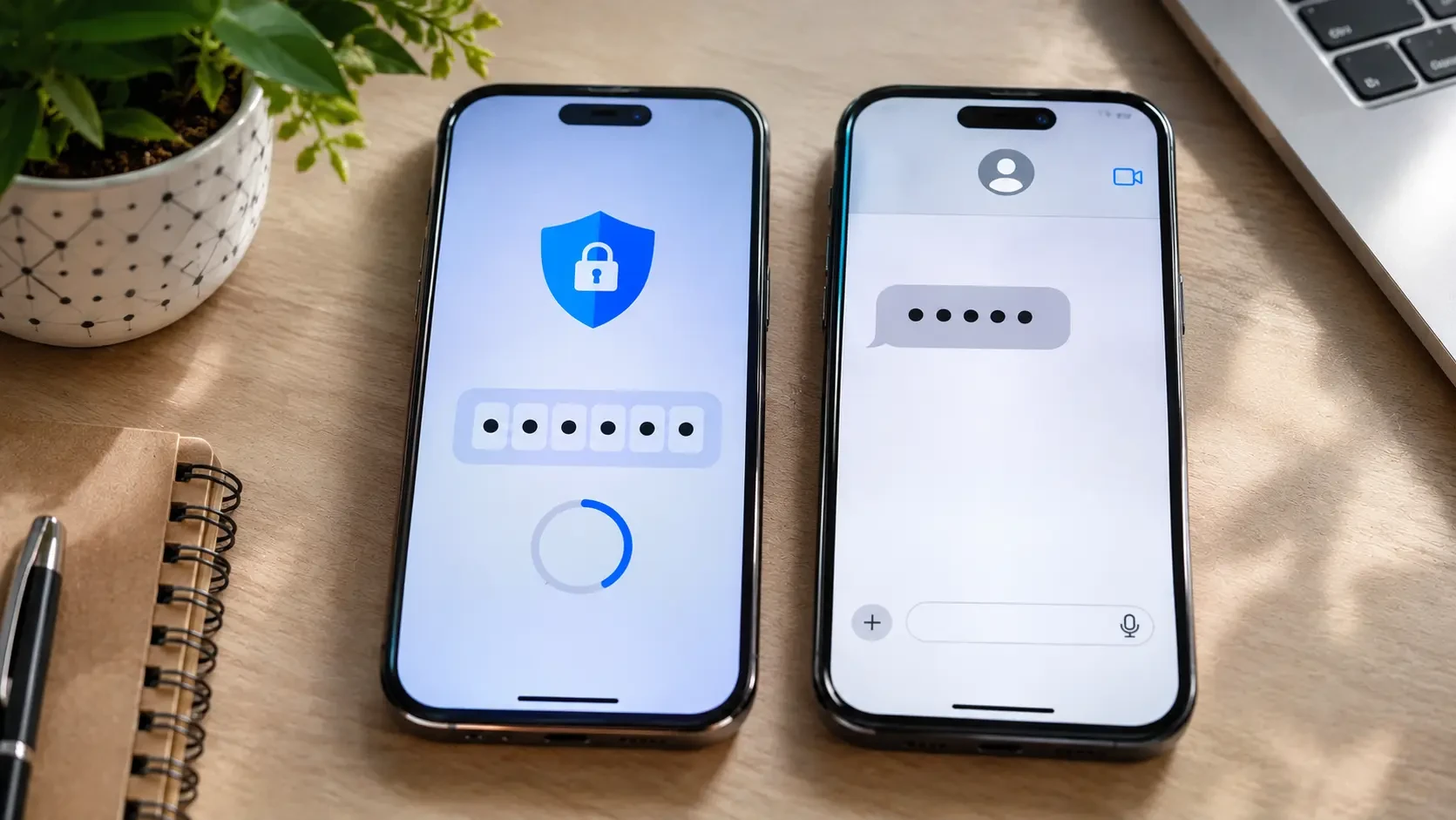
When you turn on two-factor authentication, most services offer a choice: codes by text message (SMS), or an authenticator app (TOTP). Both beat no second factor at all — but they are not equally safe. This guide explains how each one works, where each fails, and which to choose.
A Quick Recap: What Each One Is
SMS 2FA. The service texts you a one-time code, and you type it into the login screen. The code usually expires after a few minutes.
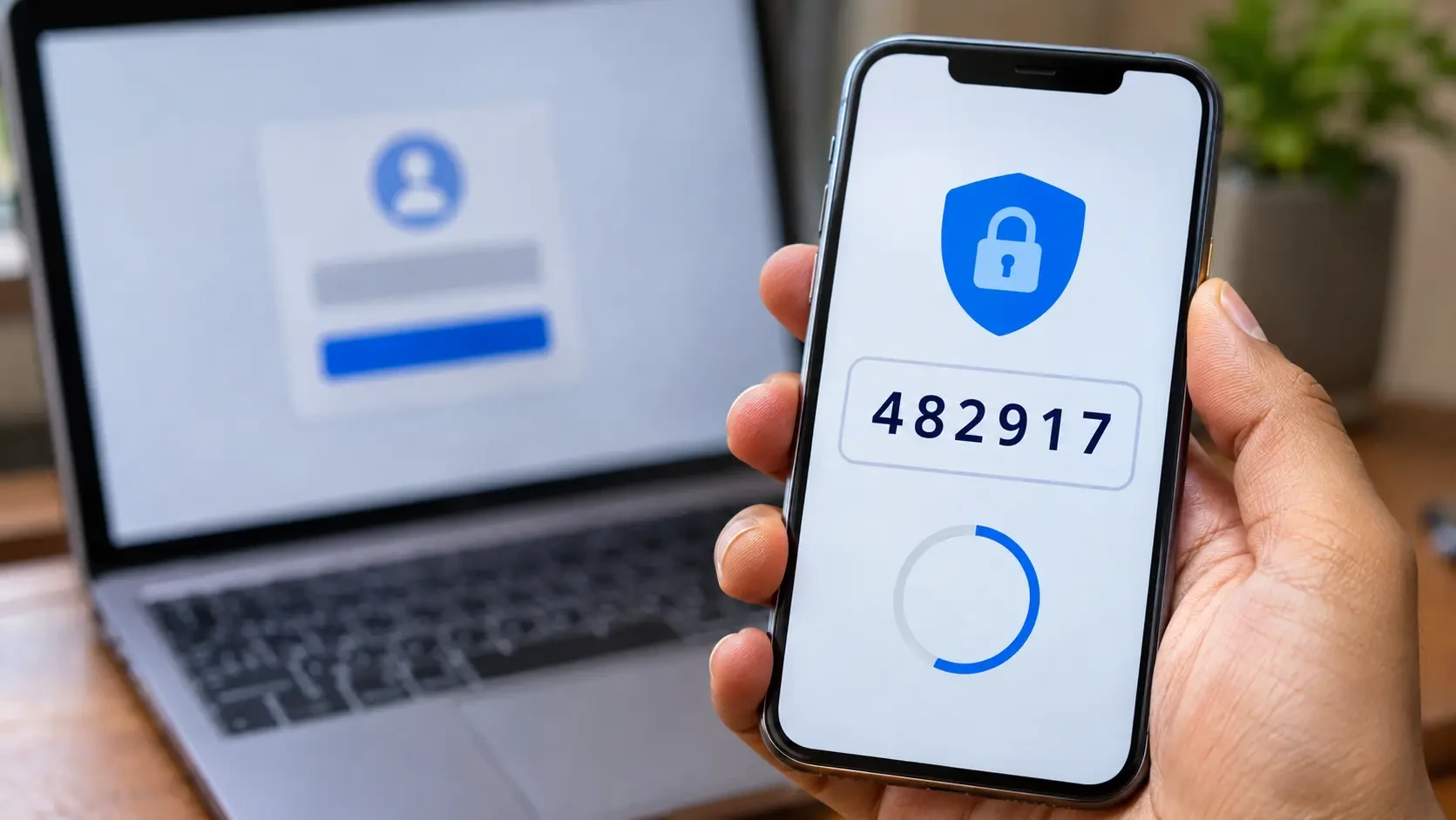
TOTP 2FA. TOTP stands for Time-based One-Time Password. An authenticator app generates a six-digit code every 30 seconds from a secret key and the current time. Nothing is sent to you — the code is created on your device.
For the full background, read our beginner’s guide to what two-factor authentication is.
How TOTP Works
When you set up TOTP, the service shows you a QR code and a text secret key. Your authenticator app scans it, and from then on your phone and the service share that key.
Every 30 seconds, your app combines the secret key with the current time to produce a six-digit code. The service runs the same calculation — if the codes match, you are in.
Three things make this design strong:
- The secret key never travels. After setup, nothing is sent over any network — there is nothing to intercept.
- Codes expire in 30 seconds. A code stolen a minute ago is already useless.
- It works offline. The app only needs the secret key and the time, so it works anywhere with no signal.
TOTP is defined by an open standard called RFC 6238, which is why the same app works with Google, Facebook, GitHub, Amazon, and thousands of other services.
You do not even need to install an app. If a service shows you a secret key, paste it into 2Fakey — try it free on 2Fakey — https://2facc.com/ — and get your codes in the browser.
How SMS 2FA Works
When you set up SMS 2FA, you give the service your phone number. Each sign-in, it texts you a code to type in. It is simple and needs no app — its main advantage, and almost its only one.
Where SMS 2FA Fails
SMS was never designed for security. Its weaknesses:
SIM Swapping
This is the big one. An attacker calls your mobile carrier, pretends to be you, and gets your number moved to a new SIM card. From that moment, your texts — including 2FA codes — go to the attacker’s phone. SIM swapping has been used to steal social media, email, and cryptocurrency accounts.
Interception
Text messages travel across the phone network unencrypted and can be intercepted with relatively cheap equipment. Your codes are only as safe as every link in that chain.
No Signal, No Code
If you are abroad without roaming or somewhere with no reception, the text may arrive late or not at all — and an expired code is useless.
Social Engineering
Attackers phish SMS codes just like passwords. A fake “your account is locked, enter the code we just sent you” message tricks people into handing over the code meant to protect them.
Where TOTP Can Fail
TOTP is stronger, but not perfect. Its weak points are different:
- Losing your phone. If your app is only on one phone and you lose it, you need your backup codes or the service’s recovery process. Save them at setup — see our guide to lost phone 2FA recovery.
- Clock drift. If your phone’s clock is off by more than a minute, your codes will not match. Fix it by setting date and time to automatic.
- Setup secret exposure. The secret key is shown once. If someone photographs your screen then, they can generate your codes — so set up 2FA in private.
Head-to-Head Comparison
| TOTP (authenticator app) | SMS (text message) | |
|---|---|---|
| Security | Strong — secret never travels, codes expire in 30 seconds | Weaker — SIM swapping and interception |
| Works offline | Yes | No — needs mobile reception |
| Needs an app | Yes (or a browser generator) | No |
| Setup effort | Scan a QR code once | Enter your phone number |
| Phishing resistance | Better — codes expire fast | Weaker — codes can be phished |
| Cost | Free | Free, depends on your carrier |
The short version: TOTP wins on security and reliability. SMS wins only on convenience — no app to install.
Which One Should You Choose?
Choose TOTP whenever a service offers it — that covers Google, Facebook, GitHub, Amazon, Microsoft, Dropbox, Discord, and most services that take security seriously.
Use SMS only when it is the only option. Some banks and older services offer only SMS. Turn it on anyway — it is still far better than a password alone.
Use both when you can. Set the app as your main method and keep SMS as a backup.
Consider a security key for your most important accounts. A hardware key (USB or NFC) is stronger than both — it verifies the real website address and cannot be phished.
How to Switch From SMS to TOTP
Switching takes two minutes: open the account’s security settings, find two-factor authentication, and choose Authenticator app. Scan the QR code — or paste the secret key into 2Fakey — enter the code to confirm, then keep SMS as a backup or remove it.
The Bottom Line
SMS 2FA was a good first step years ago, but attacks against it — especially SIM swapping — are well known now. TOTP does the same job without sending anything over a network, works offline, and costs nothing. If a service gives you the choice, pick the authenticator app.
Frequently Asked Questions
Is SMS 2FA still better than no 2FA?
Yes, by a lot. SMS 2FA blocks the most common attacks — password reuse and credential stuffing — because the attacker still needs the code.
What happens if I lose my phone with my authenticator app?
Use your backup codes to sign in, then set up 2FA again on your new device. This is why saving the backup codes at setup matters so much.
Can I use the same authenticator app for all my accounts?
Yes. One app can hold accounts for Google, Facebook, GitHub, and any other service that supports TOTP — each with its own entry and code.
Switch your accounts to authenticator-app 2FA today — and generate your codes free with 2Fakey at https://2facc.com/.